
We've all got that folder. The one full of old wedding clips, early YouTube uploads, archived product demos, or family videos shot on a phone from 2015. The content is meaningful, but the resolution is rough — pixelated, soft, sometimes barely watchable on a modern 4K display. Until recently, the only fix was expensive desktop software and hours of render time.
In 2026, that's no longer the case. AI upscaling has gone from a niche tool used by VFX pros to a one-click feature anyone can run in a browser. In this guide, I'll explain how the technology actually works, what to look for in an upscaler, and how to fold it into a broader creative workflow without overpaying for ten different subscriptions.
Why AI Video Upscaling Finally Works in 2026
For years, "upscaling" just meant stretching pixels — which made videos look blurry and weirdly smooth, like a bad Netflix preview. The breakthrough came when generative models learned to infer detail rather than just interpolate it. Modern upscalers don't guess what's between pixels; they reconstruct textures, edges, and faces based on training across millions of frames.
The result is footage that genuinely looks like it was shot at a higher resolution. Skin texture returns. Hair stops looking like a paint smear. Text on signs becomes readable again. For creators with archives of older content, this is essentially a second life for assets they'd written off.
The most accessible option I've been using lately is the AI Video Upscaler inside Pollo AI's Creative Studio. You drop in a clip, choose your target resolution (1080p, 4K, or 8K), and let it process. What I like about Pollo AI specifically is that the upscaler isn't a standalone product you have to buy separately — it shares the same credit pool as their image generation, video generation, and editing tools. So if you're already using Pollo AI for content creation, upscaling old footage costs you nothing extra in subscription overhead.
What to Look for in an AI Upscaler
Not all upscalers are created equal, and the gap between a good one and a bad one is honestly larger than the gap between, say, two photo editors. Here's what actually matters in 2026.
Frame consistency. A weak upscaler treats every frame independently, which causes flickering — details that pop in and out between frames. Good upscalers maintain temporal coherence, meaning the AI understands that frame 24 should look like a continuation of frame 23.
Face handling. Faces are the hardest thing to upscale because viewers immediately spot when something looks wrong. The best tools have dedicated face restoration models that kick in for close-ups.
Motion preservation. Cheap upscalers can introduce a weird "soap opera" effect by over-smoothing motion. You want sharper detail without losing the natural cadence of the original footage.
Format flexibility. If you can only export in one codec, you're going to be stuck doing extra conversions later. A good upscaler handles MP4, MOV, and modern web-friendly formats out of the box.
Speed and queue management. Browser-based tools have caught up to desktop apps in quality, but processing time varies wildly. For anything longer than a minute, look for tools that let you queue jobs and notify you when they're done.
Building a Full Restoration Workflow
Upscaling rarely happens in isolation. Most of the time, you're restoring older content as part of a bigger project — repurposing footage for a YouTube channel, refreshing a product page, building a retrospective ad, or cleaning up assets for a brand refresh.
Here's the workflow I've been recommending. First, run your raw clip through an AI upscaler to get it to at least 1080p. Second, stabilize any shaky handheld shots. Third, color-correct — older footage often has weird white balance that becomes more obvious once it's sharp. Fourth, regenerate any supporting visuals you need (thumbnails, posters, social cuts) using AI image tools.
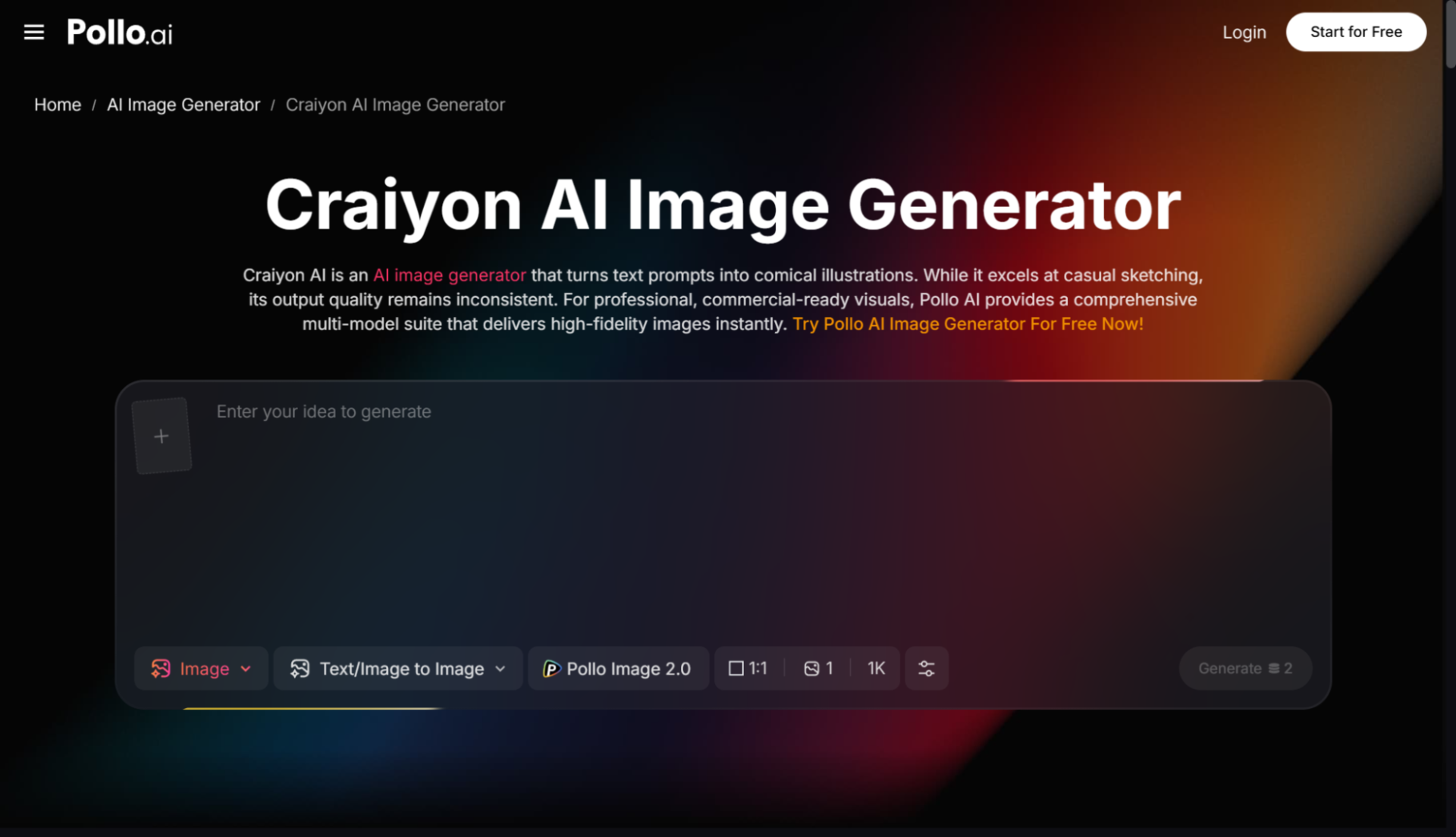
For that last step, a lot of creators in 2026 are mixing and matching. If you need quick stylized illustrations or experimental visuals to pair with your restored footage, something like Craiyon AI is a fast option for raw concepting. Pollo AI integrates these kinds of image models directly into the same Creative Studio interface, so you can move from upscaled video to matching thumbnail art without switching platforms. The friction reduction is the real win here — not any single feature.
Practical Use Cases That Are Trending in 2026
A few specific use cases have exploded this year, and they're worth knowing about because they map directly to revenue opportunities for creators and small businesses.
Archive monetization. Creators are dusting off old footage, upscaling it to 4K, and re-uploading as "restored" or "remastered" versions. The view counts are often higher than the originals because the visual quality finally matches what 2026 audiences expect.
Ecommerce content refresh. Brands with three or four years of product footage are upscaling everything to use on modern landing pages. Old 720p product demos suddenly look premium again.
UGC repurposing. When customers send in phone-shot testimonials, upscaling them to 1080p makes them usable for paid ads without rebuilding everything from scratch.
Personal projects. Family videos, wedding footage, old travel clips — the emotional value of being able to actually see grandma's face clearly in a 2009 video can't be overstated.
Common Mistakes to Avoid
The biggest mistake I see is trying to upscale footage that's just too far gone. If a video is severely compressed, full of motion blur, or shot in extremely low light, AI can only do so much. Set realistic expectations: a 480p clip can become a clean 1080p, but jumping straight to 8K from a tiny source rarely looks good.
The second mistake is skipping the preview step. Always upscale a 5-second sample before committing to a 20-minute clip. You'll save hours.
The third is forgetting about audio. Sharp 4K video with crackly old audio feels jarring. Run your audio through a noise reduction pass at the same time you're upscaling — most modern platforms, Pollo AI included, offer audio cleanup as part of the same workflow.
Final Thoughts
AI video upscaling has crossed the threshold from "interesting tech demo" to "essential creative tool" in 2026. Whether you're a creator looking to revive old content, a brand refreshing your asset library, or just someone who wants to preserve personal memories at modern quality, the cost and friction have basically disappeared. Tools like Pollo AI make it especially easy because you're not buying a single-purpose app — you're getting upscaling alongside a full creative suite. Start with one old clip this week, see the difference, and you'll probably end up restoring your entire archive by the end of the month.